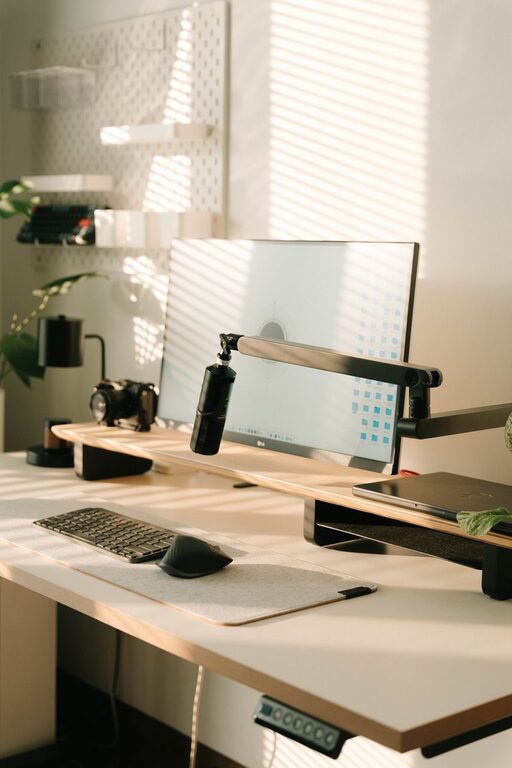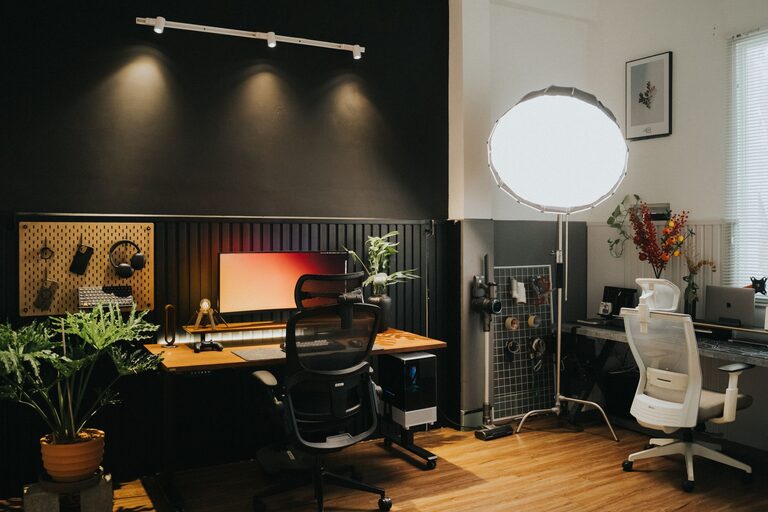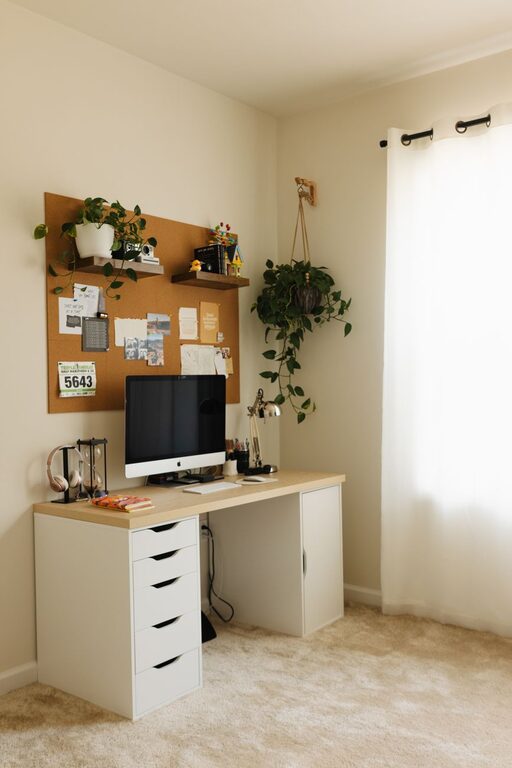
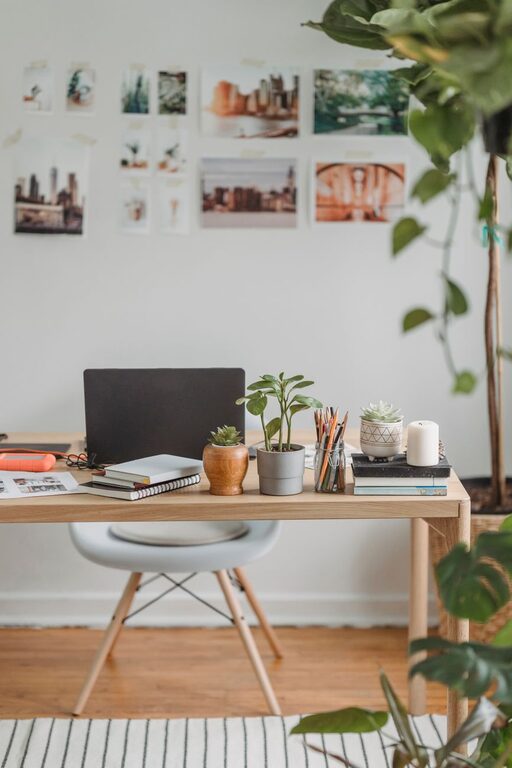
Creating a home office that encourages productivity and comfort is more important than ever. Whether you work remotely full-time or occasionally bring work home, having an organized, pleasant workspace can make a big difference in how efficiently and comfortably you get things done. In this post, we’ll explore practical tips to help you organize your home office, eliminate clutter, and design a space that supports your best work.
Why Organizing Your Home Office Matters
An organized home office reduces distractions, saves time searching for supplies, and creates an inviting environment where you can focus better. Clutter and disorganization can increase stress and decrease motivation, making even simple tasks feel overwhelming. On the other hand, a comfortable, orderly workspace promotes a positive mindset and productivity.
Assess Your Space and Needs
Before diving into organization, take a step back and assess your current setup. Consider:
– Available space: How much room do you have? Is your office a dedicated room, a corner, or a multipurpose space?
– Work habits: Do you use mostly digital tools, or do you also need space for papers, books, or crafting materials?
– Storage needs: What items must be stored nearby? Consider files, stationery, electronics, and personal items.
– Comfort preferences: What makes you comfortable? Think about chair support, lighting preferences, and room temperature.
Understanding your needs will guide how you arrange and organize the space for maximum benefit.
Declutter Regularly
Start with decluttering. Over time, papers, supplies, and miscellaneous items can accumulate. Create a habit of:
– Sorting through papers weekly to file or recycle what’s no longer needed
– Removing broken or unused supplies
– Clearing your desk at the end of each day for a fresh start
– Keeping only essential items within arm’s reach to reduce distractions
Minimal clutter helps you focus and makes your space feel more spacious and inviting.
Optimize Desk and Storage Arrangements
Choose the Right Desk
Select a desk that fits your space and work style. It should have enough surface area for your computer, note-taking, and other tools you frequently use. Adjustable desks that convert to standing height can add comfort and variety to your workday.
Use Efficient Storage Solutions
Smart storage is key to staying organized:
– File organizers: Use vertical file holders or drawers labeled clearly to keep important documents accessible.
– Drawer dividers: Separate office supplies like pens, clips, and sticky notes to avoid a messy drawer.
– Shelves: Install floating shelves or use bookcases to store books, binders, and decor.
– Storage bins: Use bins or baskets to group items like cables, chargers, or extra supplies.
Organize storage so that commonly used items are easy to reach, and seldom-used items are stored away but remain accessible.
Create a Comfortable and Ergonomic Workspace
Comfort supports longer focus and reduces physical strain.
– Chair: Invest in an ergonomic office chair with adjustable height and lumbar support.
– Monitor placement: Position your monitor at eye level and about an arm’s length away to reduce neck and eye strain.
– Keyboard and mouse: Keep your keyboard and mouse close enough to maintain a neutral wrist position.
– Lighting: Use a mix of natural and artificial light. A desk lamp that reduces glare can be very helpful.
– Temperature and ventilation: Maintain a pleasant room temperature and consider a small fan or heater if needed.
Adding a cushion, footrest, or wrist pad can also improve comfort.
Personalize Your Space Thoughtfully
A workspace that reflects your personality can boost motivation, but avoid cluttering it. Consider:
– Adding a few plants to bring life and cleaner air to the room
– Displaying inspirational quotes or calming artwork
– Using color schemes that energize or soothe you
– Keeping personal photos or meaningful objects nearby but not overwhelming the workspace
Balance personalization with simplicity for a welcoming but distraction-free environment.
Establish Effective Cable Management
Loose cables are messy and can be hazardous. Use simple cable management tips:
– Cable clips or holders to keep wires tidy on your desk
– Velcro straps or twist ties to bundle excess lengths
– Cable sleeves or tubes to group cables together along walls or under desks
– Labeling cables can help when unplugging devices for troubleshooting
A neat cable setup keeps your area safer and visually appealing.
Set Up Zones for Different Tasks
If space allows, create zones for different activities:
– A primary workspace for computer and writing tasks
– A reading or reference area with books and notes
– A supply zone for equipment and materials
– A relaxation or brainstorming corner with comfortable seating or a whiteboard
Zoning allows you to switch between activities efficiently and mentally separate different parts of your work.
Maintain Your Organized Home Office
Organization is an ongoing process. To keep your office in top shape:
– Dedicate time weekly or monthly for tidying and re-evaluating your setup
– Adjust storage as your needs change
– Avoid bringing unrelated items into the workspace
– Take advantage of tools like to-do lists or calendar reminders to stay on track
Consistency helps you maintain the benefits of an organized workspace long term.
—
By following these tips, you can create a home office that supports both productivity and comfort. A well-planned, organized space not only helps you work more efficiently but also makes your workday more enjoyable. Take the time to tailor your office to fit your needs, and you’ll likely find your motivation and focus improving noticeably. Happy organizing!
About the Author