Creating a comfortable and productive home office space has become more important than ever. Whether you work remotely full-time or just need a dedicated spot for occasional tasks, a well-designed workspace can help improve focus, reduce stress, and keep your workday efficient. Here are some helpful tips for setting up a home office that supports your productivity while making you feel comfortable throughout the day.
Choose the Right Location
Consider Natural Light
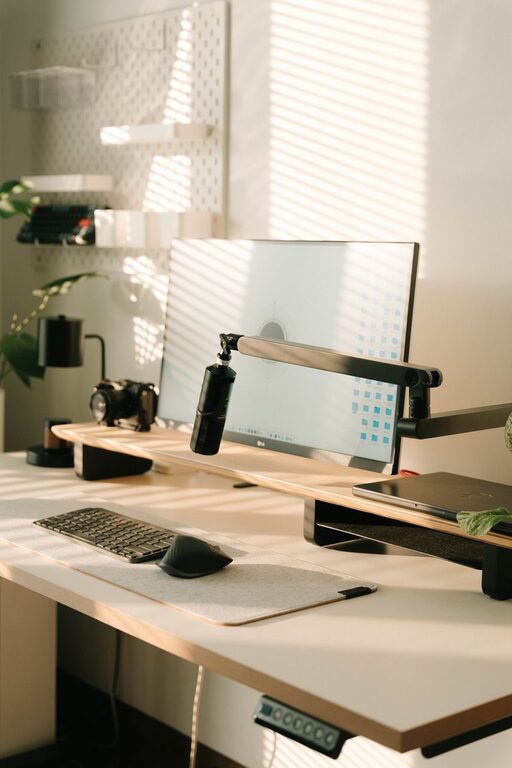
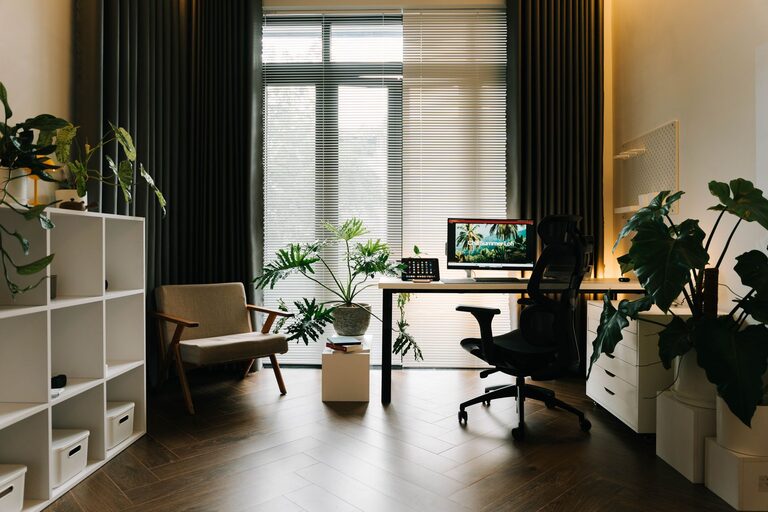
Natural light is one of the best ways to create an inviting and energizing workspace. Choose a room or corner near a window if possible. Exposure to daylight can boost mood, reduce eye strain, and improve concentration.
Minimize Distractions
Select a spot that minimizes noise and foot traffic from your home. If you can’t avoid busy areas, consider noise-canceling headphones or white noise machines to create a focused environment.
Invest in Ergonomic Furniture
Comfortable Chair
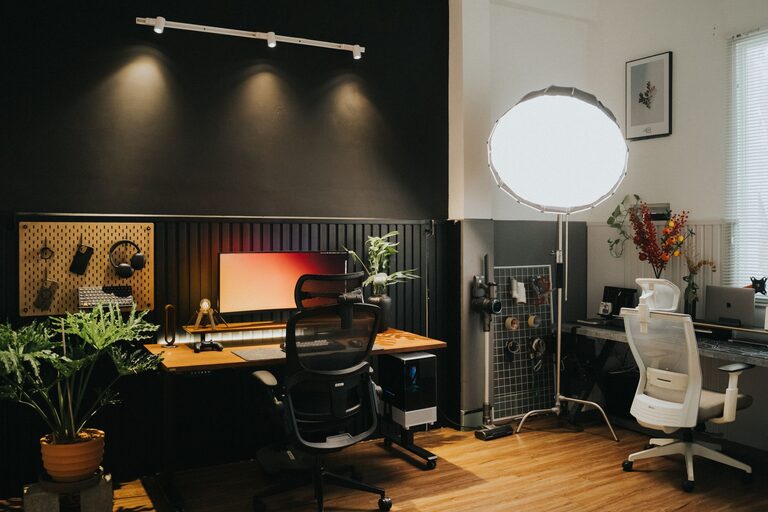
A quality ergonomic chair is essential. Look for one that supports your lower back, has adjustable height, and allows your feet to rest flat on the floor. Sitting comfortably helps prevent back and neck pain.
Functional Desk
Your desk should be at a height that keeps your arms at a 90-degree angle when typing. If space is limited, consider a compact desk or even a standing desk converter that lets you switch between sitting and standing.
Organize Your Workspace
Declutter Regularly
Keep your desk clear of unnecessary items. Clutter can lead to distractions and decreased productivity. Only keep essentials like your computer, a notebook, and a few pens within easy reach.
Use Storage Solutions
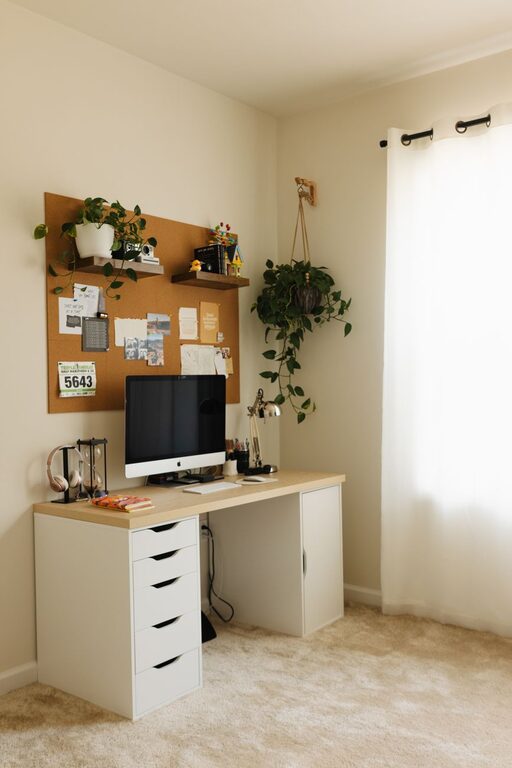
Shelves, filing cabinets, and drawer organizers can help keep papers and office supplies neat. Label storage containers to find things quickly and maintain order.
Optimize Technology Setup
Efficient Equipment
Ensure your computer, monitor, keyboard, and mouse are set up for comfort. Position your monitor at eye level to avoid neck strain, and consider using an external keyboard and mouse for better ergonomics.
Reliable Internet Connection
A strong and stable internet connection is vital for remote work. If your Wi-Fi is spotty, consider upgrading your plan, using a wired Ethernet connection, or adding signal boosters.
Enhance Lighting and Ambience
Task Lighting
In addition to natural light, use a desk lamp that provides focused light without glare. Adjustable lamps help reduce eye strain during late-day or nighttime work.
Personalize Your Space
Add elements that make your workspace pleasant, such as plants, artwork, or photos. These touches can boost your mood and make the space feel inviting.
Manage Time and Interruptions
Set Boundaries
If you share your home with others, communicate your working hours and request minimal interruptions during those times. Use a visible cue, like a closed door or a sign, to indicate when you are busy.
Take Regular Breaks
Schedule short breaks to stand, stretch, or walk around. Breaks improve circulation and help maintain productivity over long periods.
Improve Air Quality
Good air circulation and clean air contribute to better concentration and comfort. Open windows when possible or use air purifiers to reduce dust and allergens in your workspace.
Keep Essentials Handy
Keep water within reach to stay hydrated, and have healthy snacks nearby to maintain energy. Avoid cluttering your desk with too many items but have what you need close at hand.
Adapt and Adjust
Your ideal workspace will evolve. Regularly assess what works and what doesn’t, making adjustments as needed. Flexibility helps you create a space that meets your changing needs.
—
Creating a home office that balances comfort and productivity doesn’t require a major renovation. With thoughtful choices in location, furniture, organization, and environment, you can design a workspace that supports your work and well-being. Start small, be consistent, and enjoy the benefits of a dedicated home office tailored just for you.
About the Author