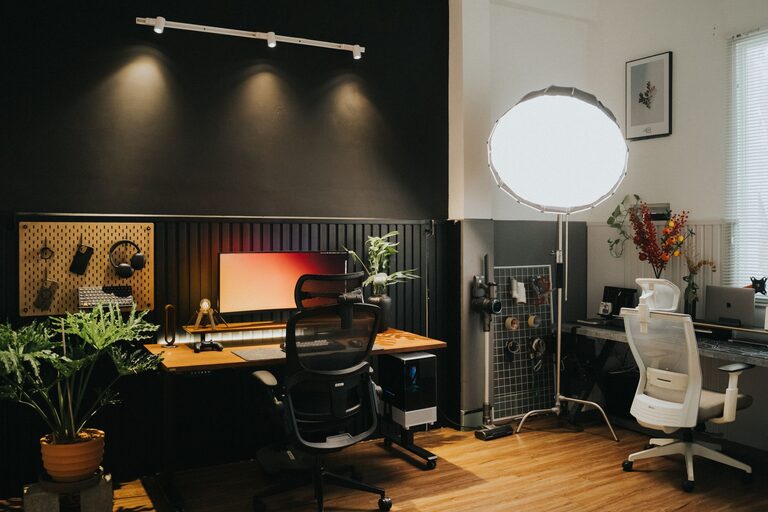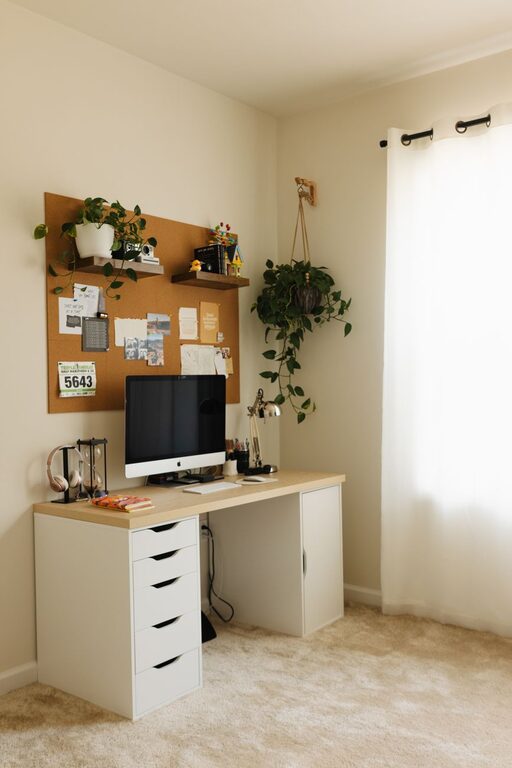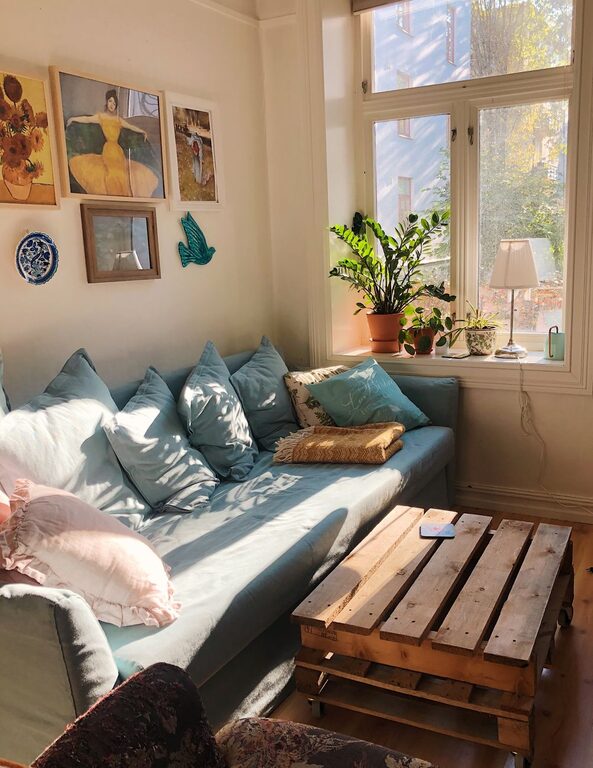
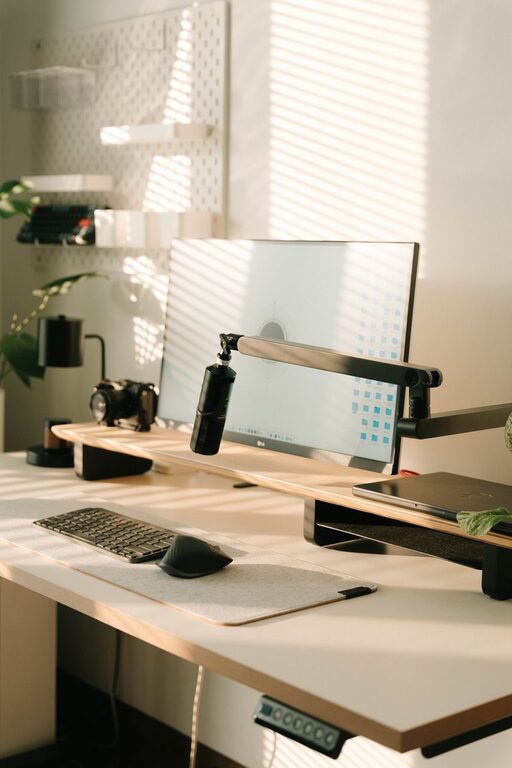
Creating a productive home office environment is essential for anyone working remotely or managing tasks from home. A well-designed workspace can improve focus, reduce distractions, and enhance overall work satisfaction. Whether you have a dedicated room or a small corner, these tips will help you create a comfortable and efficient home office.
Choose the Right Location
Selecting the right spot for your home office sets the foundation for productivity.
– Quiet Area: Find a space with minimal noise and foot traffic.
– Natural Light: Position your desk near a window if possible to benefit from natural light, which can boost mood and energy.
– Space for Essentials: Ensure there’s enough room for your desk, chair, computer, and other necessary items.
Invest in Comfortable, Ergonomic Furniture
Comfort plays a big role in how long and effectively you can work.
– Ergonomic Chair: Choose a chair that supports your back and encourages good posture.
– Adjustable Desk: If possible, use a desk that can be adjusted for sitting or standing.
– Proper Monitor Height: Position your monitor at eye level to avoid neck strain.
Organize Your Workspace
An organized desk helps keep your mind clear and focused.
– Declutter Regularly: Keep only essential items on the desk.
– Use Storage Solutions: Use shelves, drawers, or desk organizers to store supplies neatly.
– Cable Management: Use clips or sleeves to keep cords tidy and out of the way.
Optimize Lighting
Good lighting reduces eye strain and keeps you alert.
– Combine Natural and Artificial Light: Use a mix of daylight and task lighting.
– Adjust Screen Brightness: Match your computer screen brightness to your surroundings.
– Use Soft, Warm Lights: Avoid harsh fluorescent lights when possible.
Minimize Distractions
Reducing interruptions helps maintain a steady workflow.
– Set Boundaries: Inform family members or housemates about your work hours.
– Turn Off Notifications: Silence non-essential phone and computer alerts during work time.
– Noise Control: Consider a white noise machine or noise-canceling headphones if needed.
Personalize Your Space
Adding personal touches can make your workspace more inviting and motivating.
– Add Plants: Houseplants improve air quality and add a calm vibe.
– Artwork and Photos: Display items that inspire or relax you.
– Comfort Items: Use cushions, footrests, or a cozy blanket to stay comfortable.
Incorporate Break Areas
Taking regular breaks is crucial for sustained productivity.
– Create a Separate Spot: If space allows, set up a small area away from your desk to stretch or relax.
– Use Reminders: Set timers to remind yourself to take short breaks every hour.
Maintain a Healthy Work Routine
Your environment helps, but so does your work habit.
– Set Regular Hours: Keep consistent start and end times for your workday.
– Plan Your Day: Use to-do lists or digital planners to organize tasks.
– Stay Hydrated and Move: Keep water nearby and take quick movement breaks to stay energized.
Keep Technology Updated
Reliable technology prevents frustration and downtime.
– Use High-Speed Internet: Ensure your connection supports video calls and file transfers.
– Update Software: Regularly update your operating system and software tools.
– Backup Your Data: Use cloud storage or external drives for important documents.
Final Thoughts
Designing a productive home office takes some planning but offers great rewards. Focus on comfort, organization, and minimizing distractions. By creating a space that meets your needs, you can boost your efficiency and enjoy your work-from-home experience. Remember, the best home office is one that feels functional and welcoming to you.
About the Author