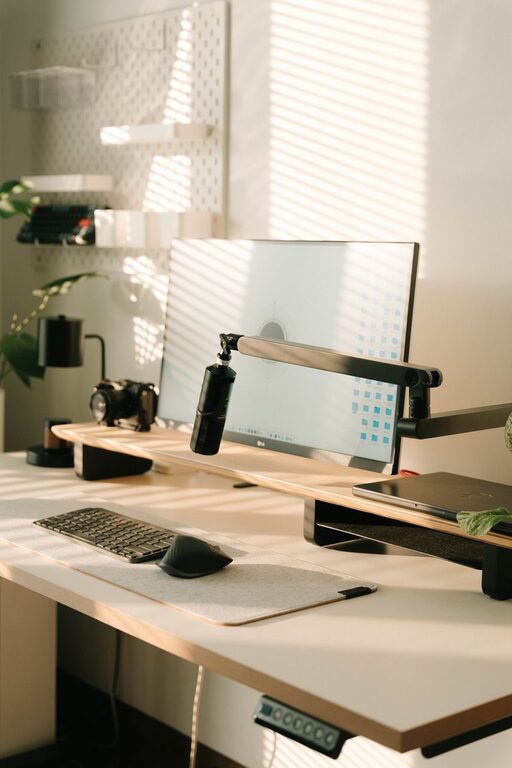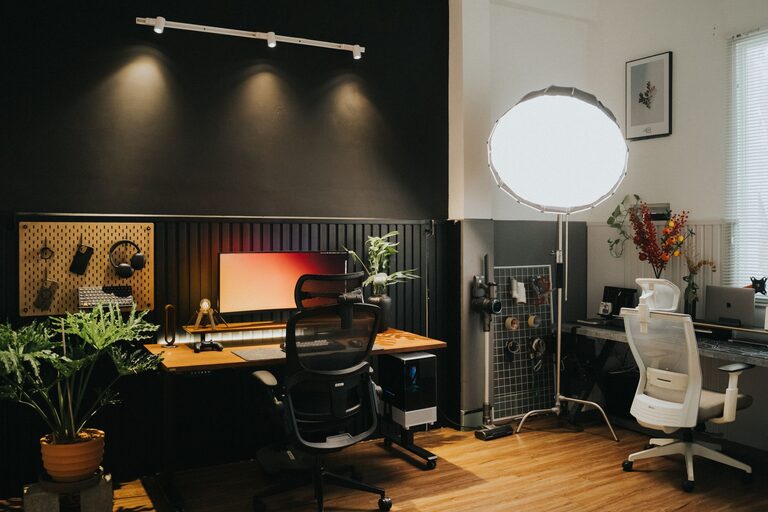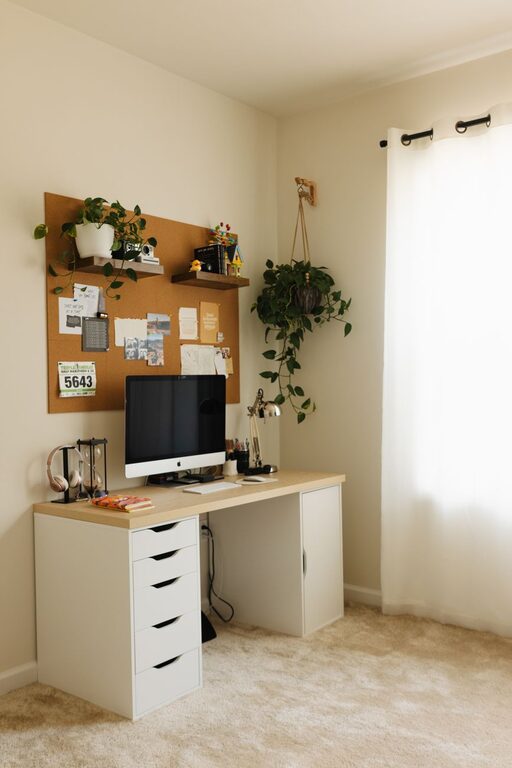
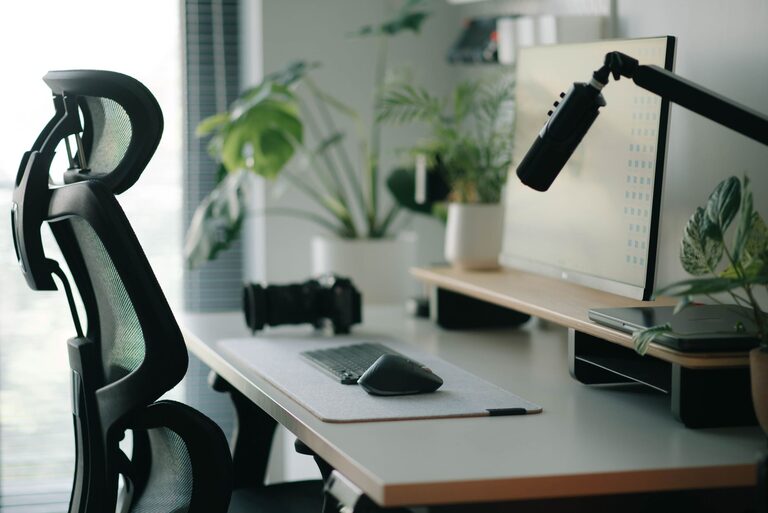
Creating a home office that is both comfortable and productive can significantly enhance your work-from-home experience. Whether you are setting up a dedicated room or a small corner in your living space, thoughtful planning helps improve focus, reduce stress, and increase efficiency. Here are helpful tips to design a home office that supports your best work.
Choose the Right Location
Selecting the ideal spot for your home office is the first step. Consider the following:
– Natural Light: Position your desk near a window if possible. Natural light boosts mood and energy, making long working hours more pleasant.
– Quiet Environment: Pick a space away from household traffic and noise to minimize distractions.
– Privacy: If video calls and focused tasks are frequent, a room with a door is beneficial for privacy.
Having a dedicated area signals your brain that it’s time to work, helping you switch between professional and personal modes easily.
Invest in Ergonomic Furniture
Comfort is key to maintaining productivity and avoiding physical strain. Focus on ergonomics by:
– Choosing an Adjustable Chair: Look for a chair with lumbar support, adjustable height, and armrests.
– Using a Suitable Desk: The desk height should allow your forearms to rest parallel to the floor while typing.
– Adding a Footrest: If your feet don’t comfortably touch the floor, a footrest improves posture.
Good ergonomics reduce the risk of neck, back, and wrist pain, allowing you to work comfortably for longer periods.
Optimize Your Desk Setup
A well-organized desk minimizes distractions and keeps important tools within reach.
– Keep Essentials Accessible: Arrange your computer, keyboard, mouse, notebook, and pens so you can easily access them.
– Limit Clutter: Avoid overcrowding your workspace with unnecessary items. A clean desk fosters a clear mind.
– Use Cable Management: Tame wires with clips or cable sleeves to keep your space neat.
Consider investing in a monitor stand to raise your screen to eye level, reducing neck strain.
Control Lighting and Reduce Glare
Proper lighting enhances visibility and reduces eye strain.
– Combine Natural and Artificial Light: Use daylight when available, supplemented by adjustable desk lamps.
– Avoid Screen Glare: Position your monitor perpendicular to windows to prevent reflections.
– Choose Warm Light Bulbs: They create a more soothing atmosphere compared to harsh white or blue light.
Adjust lighting based on the time of day and type of task to maintain comfort and focus.
Personalize Your Workspace
Adding personal touches makes your office inviting and motivates you to spend time there.
– Decorate with Plants: Greenery improves air quality and adds a refreshing vibe.
– Display Inspiring Items: Photos, artwork, or motivational quotes can boost morale.
– Use Color Wisely: Soft, calming colors help concentration, while brighter accents can energize the space.
However, balance is key—avoid overcrowding with decor that may become distracting.
Manage Noise Levels
Working from home often means coping with background sounds.
– Use Noise-Cancelling Headphones: These are effective for blocking out distractions.
– White Noise Machines or Apps: Gentle ambient sound can improve focus if silence is hard to find.
– Communicate with Household Members: Set boundaries and quiet hours to maintain a productive atmosphere.
Sound management plays an important role in maintaining concentration throughout your workday.
Establish Organization Systems
Keeping your office organized saves time and reduces stress.
– Use Storage Solutions: Drawers, shelves, and filing cabinets help keep papers and supplies in order.
– Adopt a Filing System: Sort digital and physical documents regularly to avoid clutter.
– Schedule Regular Cleanups: Spending a few minutes daily or weekly on tidying prevents build-up.
An orderly space supports a clear workflow and helps you stay on top of tasks.
Incorporate Movement Breaks
Sitting for long periods can negatively affect health and productivity.
– Take Short Breaks: Stand, stretch, or walk around every hour to refresh your body and mind.
– Use a Standing Desk or Converter: Alternate between sitting and standing to reduce fatigue.
– Try Desk Exercises: Simple stretches or yoga poses can be done without leaving your workspace.
Regular movement helps maintain energy and focus throughout the day.
Organize Your Technology Setup
Smooth technology use is critical for efficiency.
– Choose Reliable Equipment: Invest in a good quality computer, fast internet, and necessary peripherals.
– Keep Software Updated: Regular updates improve performance and security.
– Backup Important Files: Use cloud storage or external drives to prevent data loss.
A hassle-free tech setup reduces frustration and supports uninterrupted work.
Set Boundaries and Routines
Lastly, to maximize productivity, establish clear work habits.
– Define Work Hours: Setting specific start and end times helps separate work from personal life.
– Create a Pre-Work Routine: Simple rituals like making coffee or reviewing your plan can signal the start of the day.
– Limit Interruptions: Use do-not-disturb modes on devices and communicate your schedule to family or housemates.
Clear boundaries foster a disciplined environment where work gets done effectively.
—
Creating a comfortable and productive home office is an investment in your work wellbeing. By paying attention to location, furniture, lighting, organization, and routines, you can build a workspace tailored to your needs. Small changes add up, making your home office a place where focus and comfort coexist naturally.
About the Author